



SkyShore City | Minecraft Map
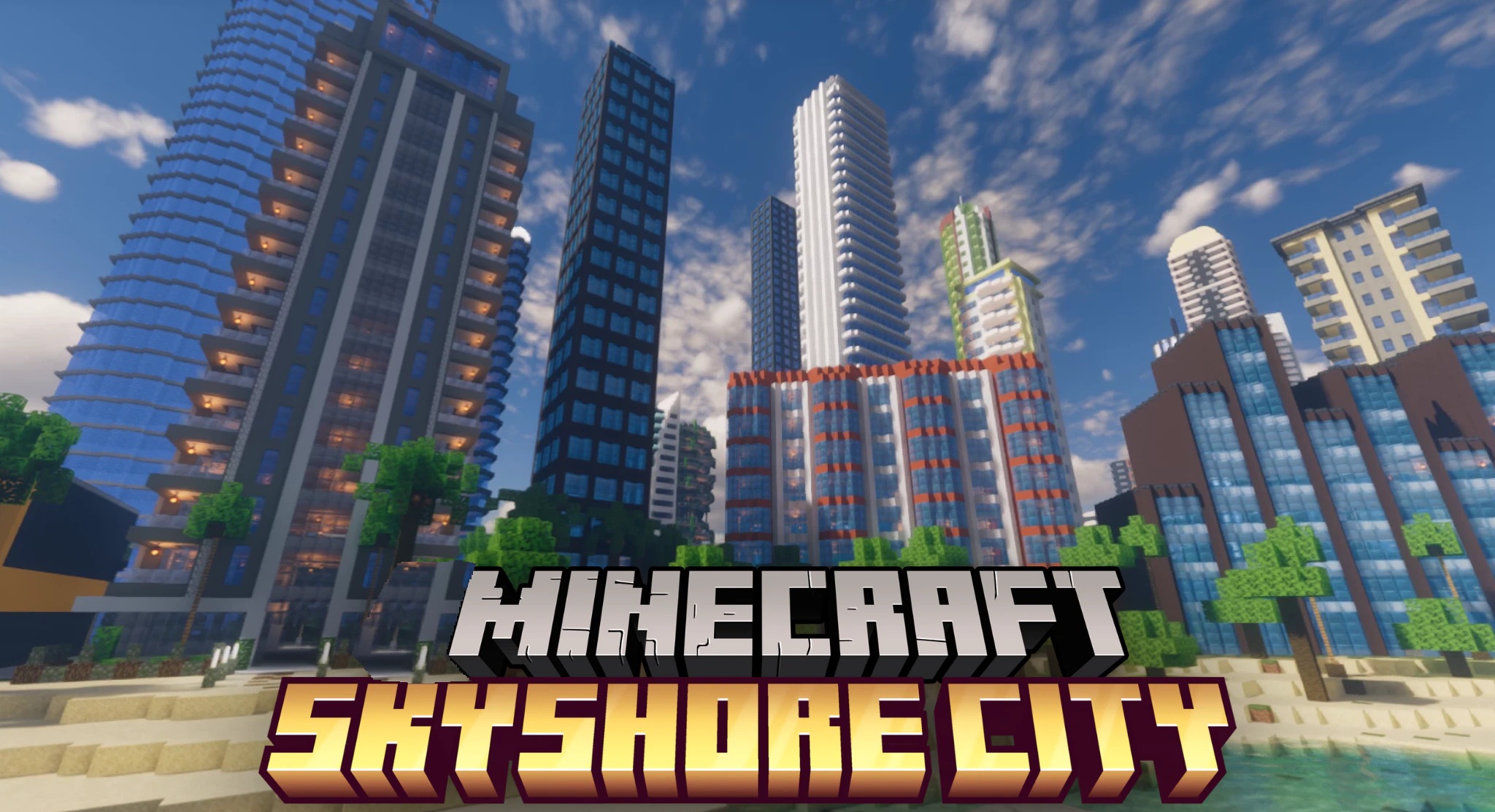
Two connected islands form a large coastal city in SkyShore City. One has a quieter residential area with small buildings and picturesque neighborhoods, while the other combines waterfront houses with a dense modern center full of tall buildings.
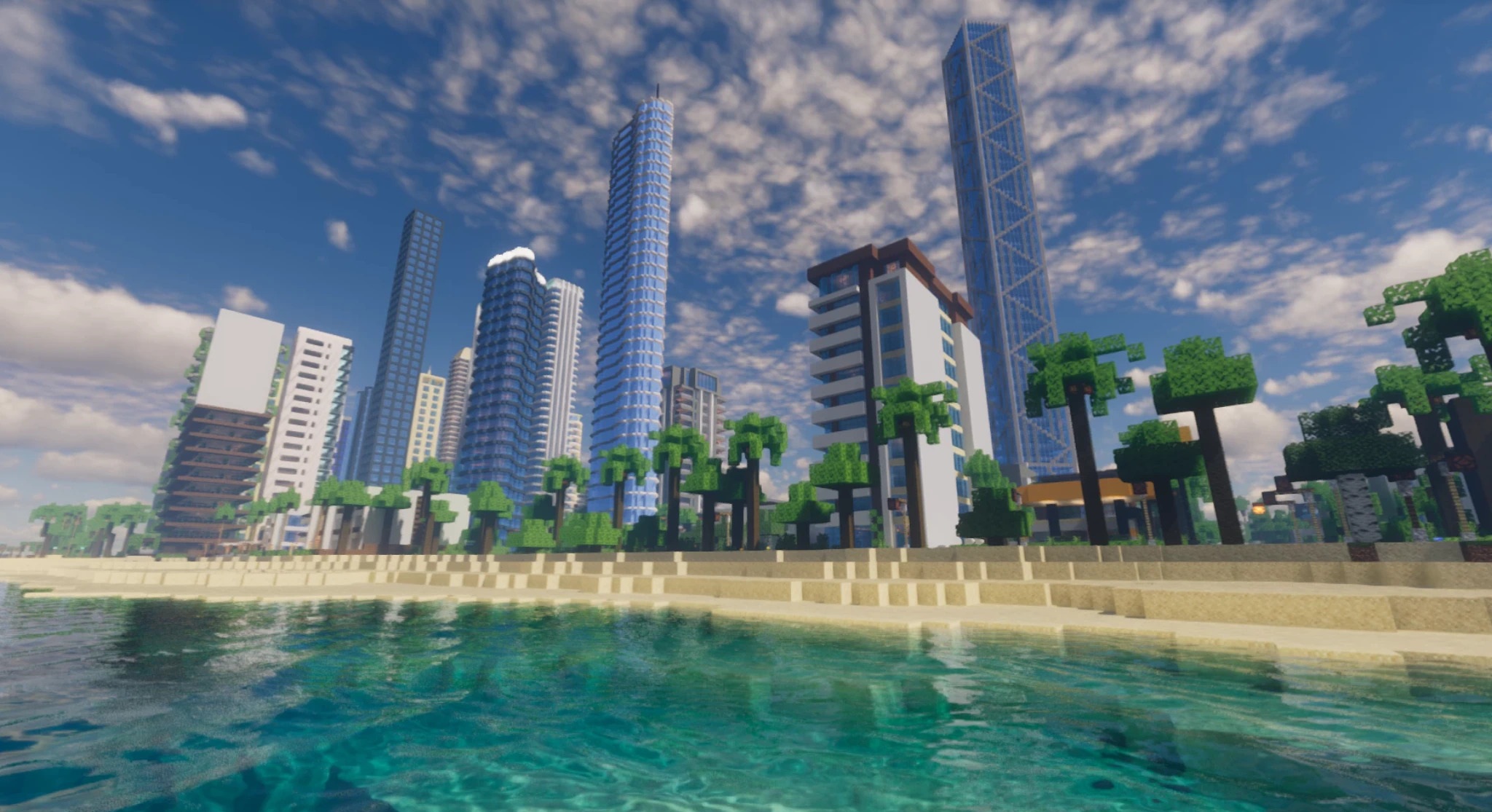
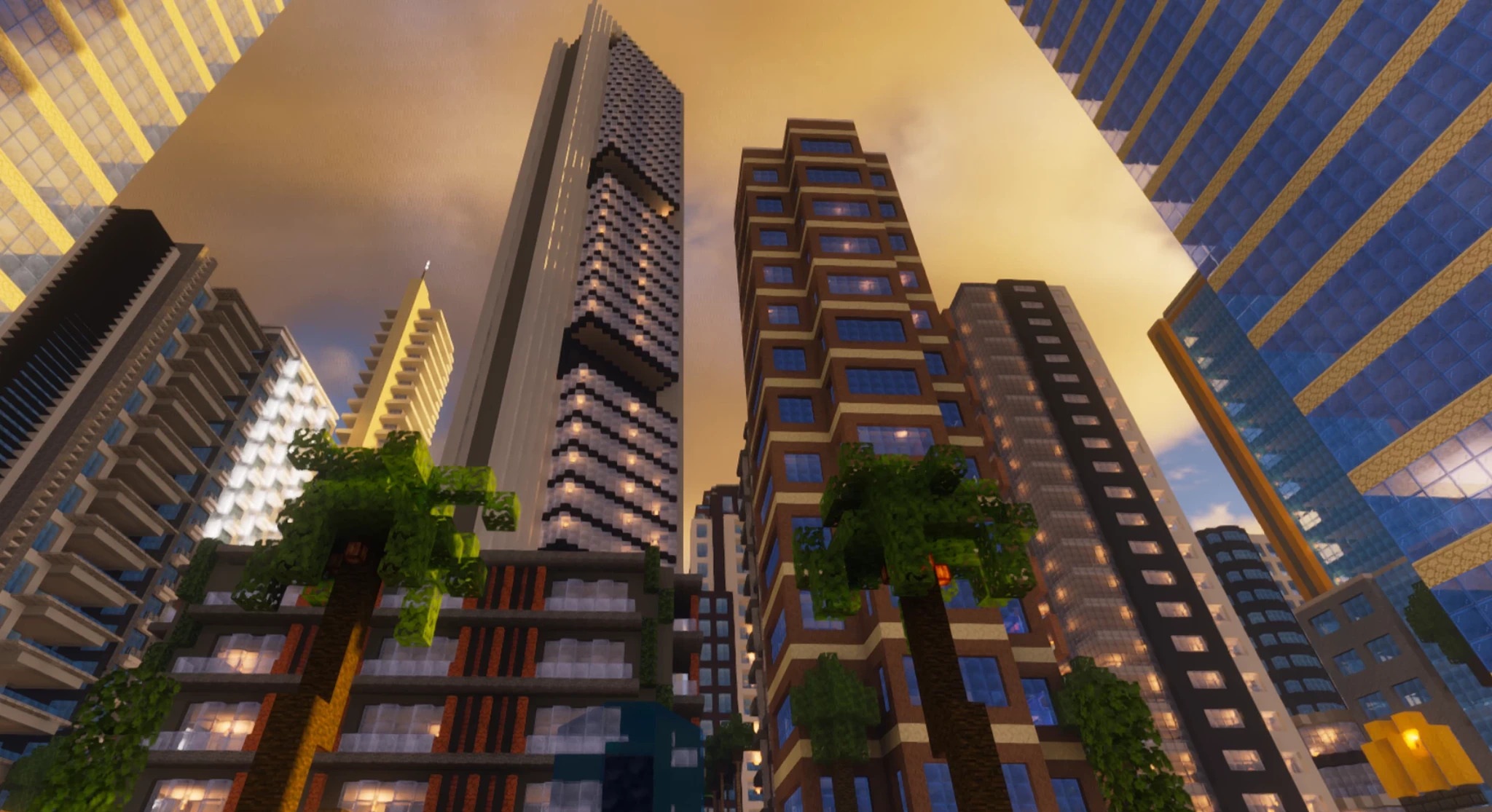
Thanks to this division, different parts of the city vary in scale and atmosphere but are united by a shared coastal theme. The streets can be used for walks, role-playing scenarios, or further expansion of your own base. The map works both as a standalone urban world and as a server hub if a large modern location with different districts is needed.
How to install a map:
1) Download the archive with a map.
2) Unpack the archive to extract a folder.
3) Copy the folder with SkyShore City map to .minecraft/saves (if this folder does not exist, create it yourself).
4) Find this map in the "Singleplayer" tab of the main menu.
Comments (0)