



Default HD 64x for Minecraft 26.3
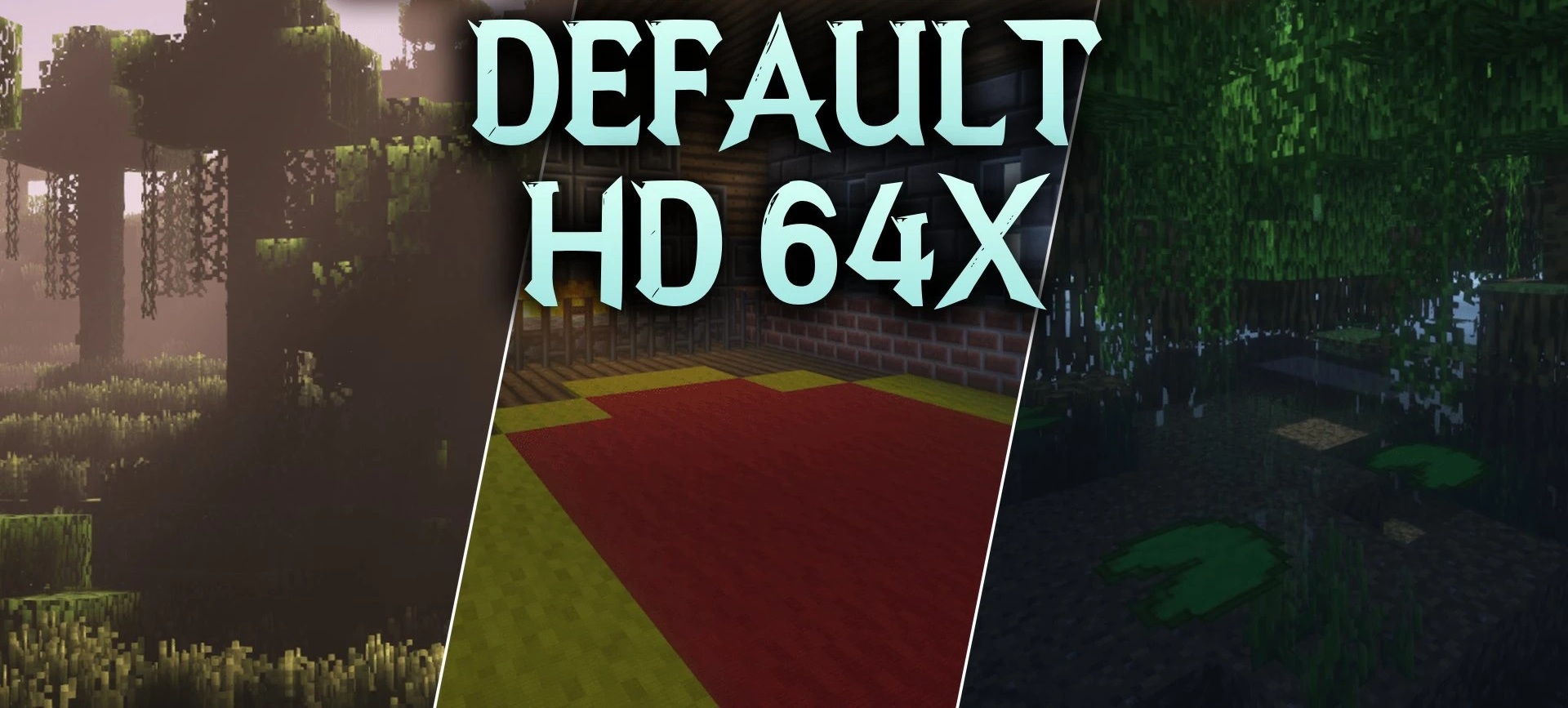
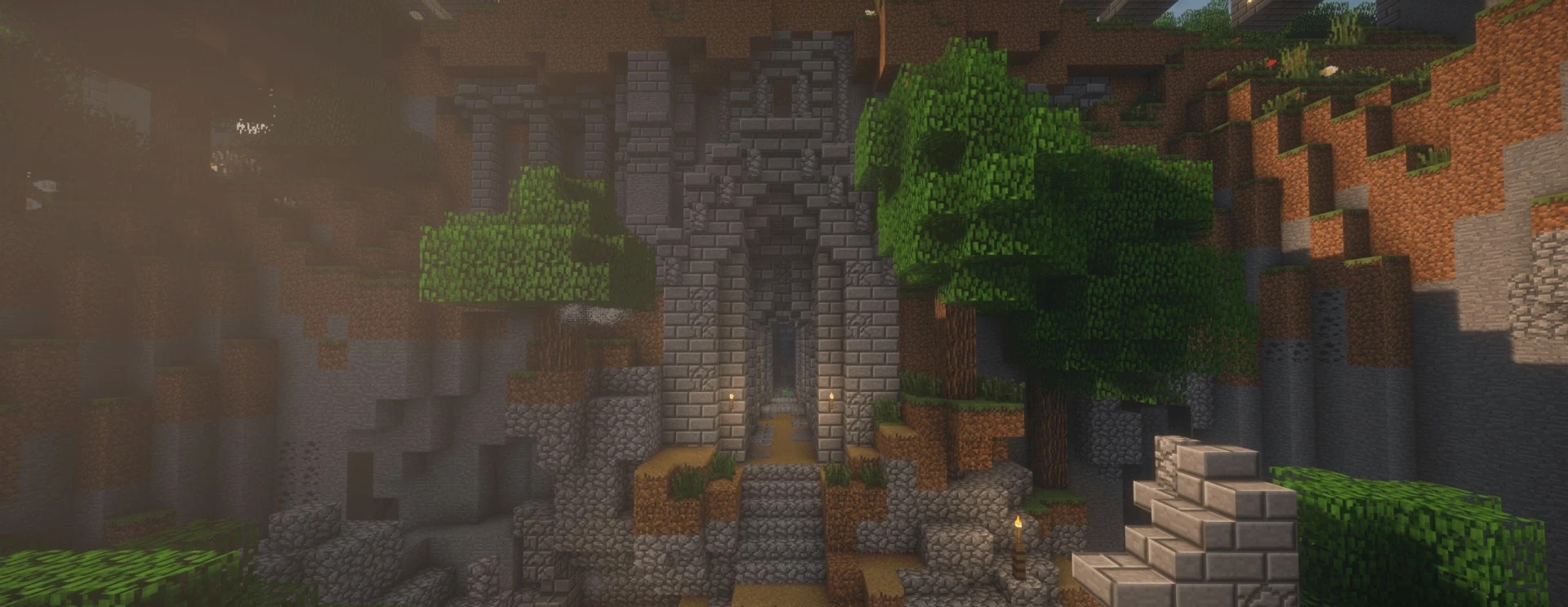
Classic textures become sharper in Default HD 64x without changing their basic design. The pack increases the resolution to 64x while preserving familiar pixel patterns and the standard color scheme. Soft shadows and subtle shading are added directly to the surfaces, creating the impression of more three-dimensional lighting even without heavy post-processing.
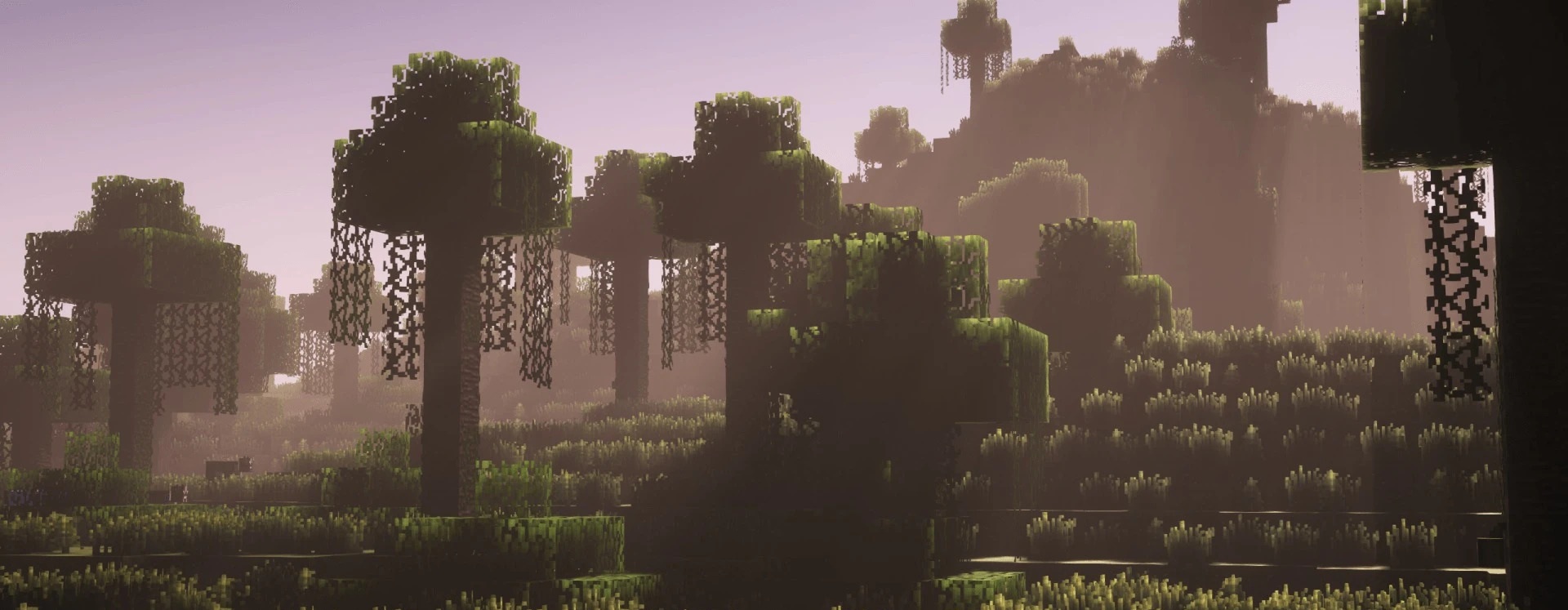
PBR mapping is also used, allowing compatible lighting systems to display highlights and material responses to light more accurately. Thanks to its moderate resolution, the pack remains relatively lightweight and is designed for stable performance on most computers.
How to install the texture pack:
First step: download and install Default HD 64x
Second step: copy the texture pack to the C:\Users\USER_NAME\AppData\Roaming\.minecraft\resourcepacks
Third step: in game settings choose needed resource pack.
Comments (0)