



Haimiya Sky Overlay for Minecraft 26.3
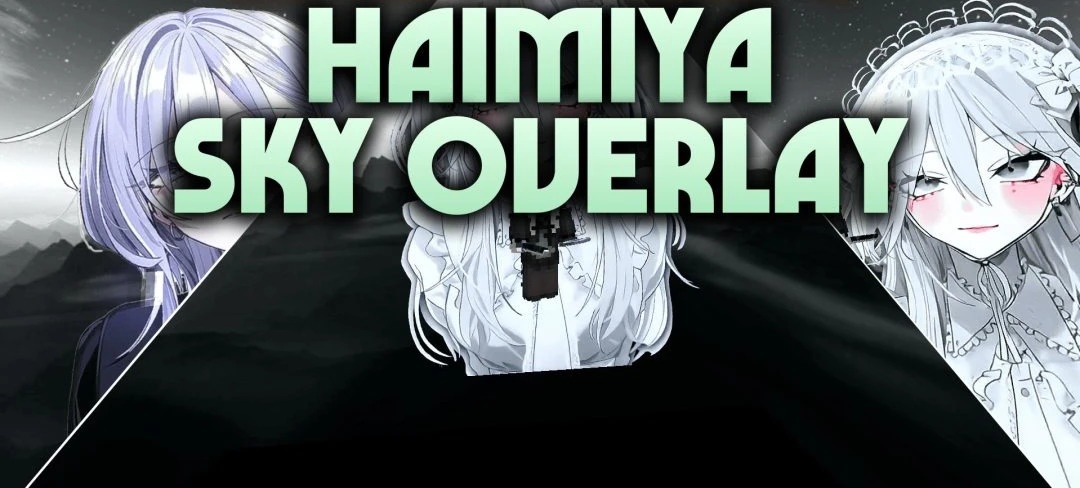
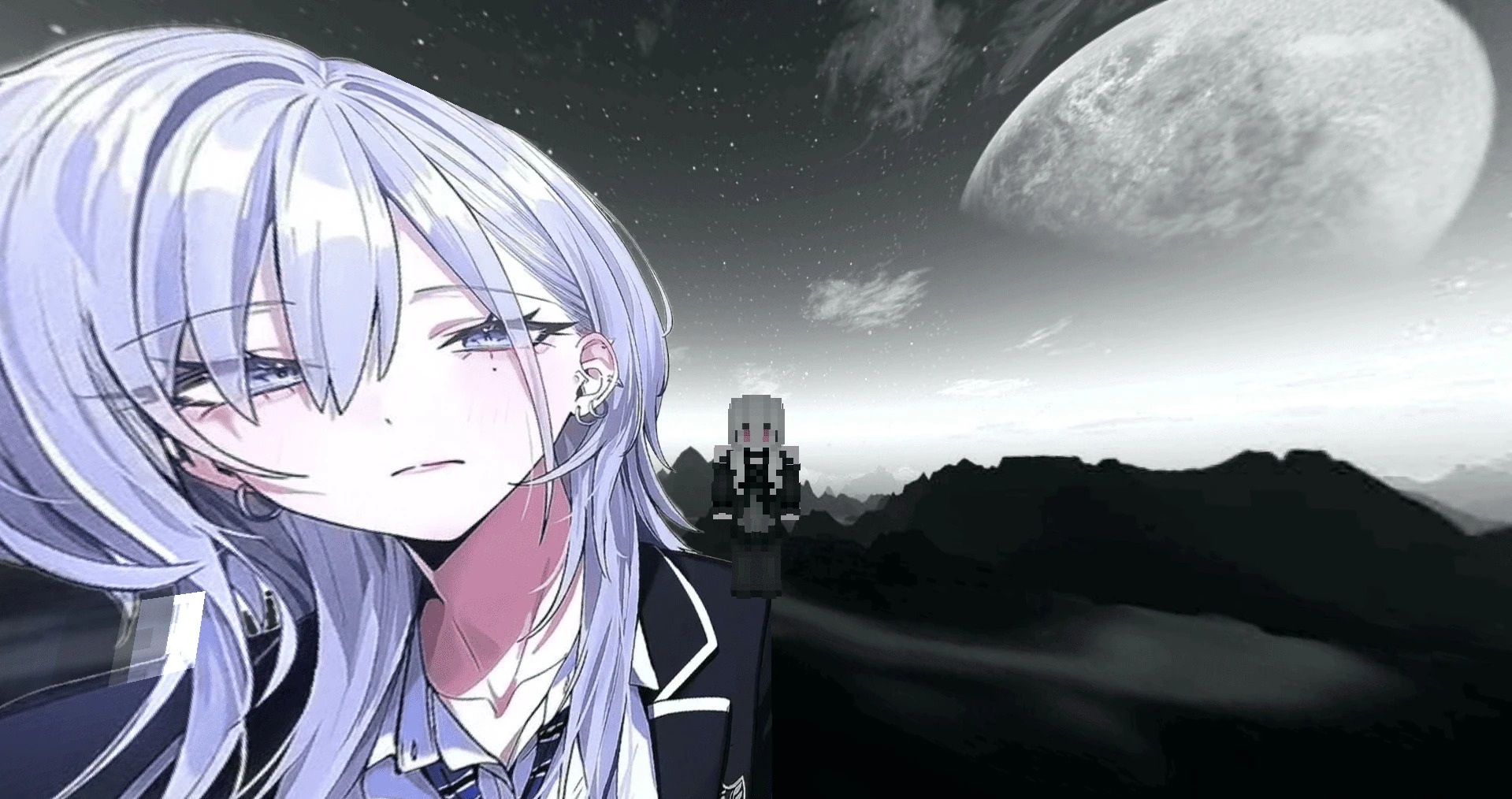
The standard sky is replaced with a dark gray anime-themed design in Haimiya Sky Overlay. The main element is an image of the character Haimiya, placed against a custom sky background. Instead of the familiar blue horizon and usual color scheme, the player sees a subdued gray skybox that remains clearly visible both during the day and at night.
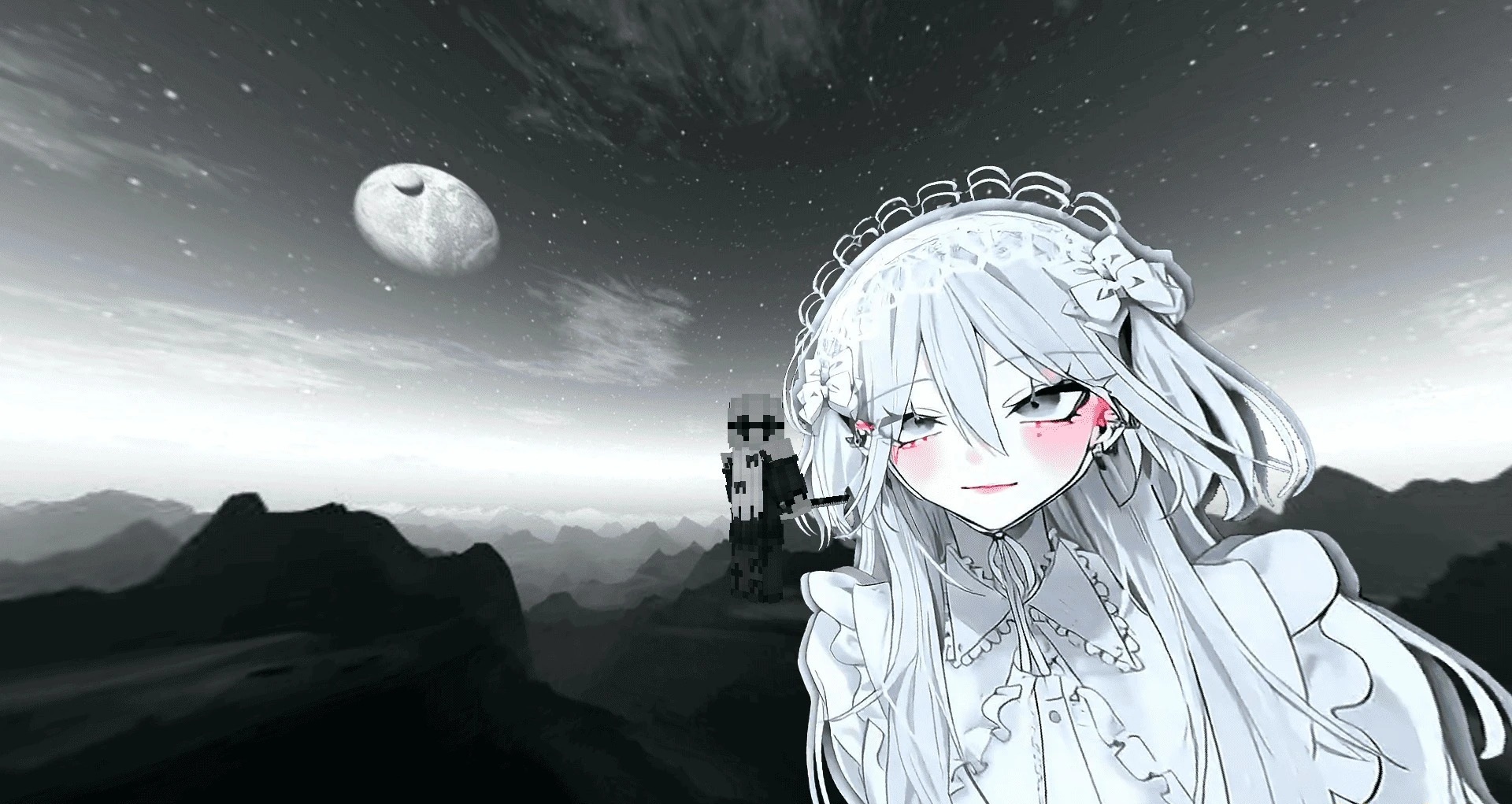
The pack is designed to be used as a separate visual overlay, so it can be combined with PvP textures and other interface designs. With the correct settings, the background should not disappear or display incorrectly during the daytime. To use it, custom sky must be enabled in Minecraft's graphics settings.
How to install the texture pack:
First step: download and install Haimiya Sky Overlay
Second step: copy the texture pack to the C:\Users\USER_NAME\AppData\Roaming\.minecraft\resourcepacks
Third step: in game settings choose needed resource pack.
Comments (0)