



Hexa Biome Aura Flare for Minecraft 26.3
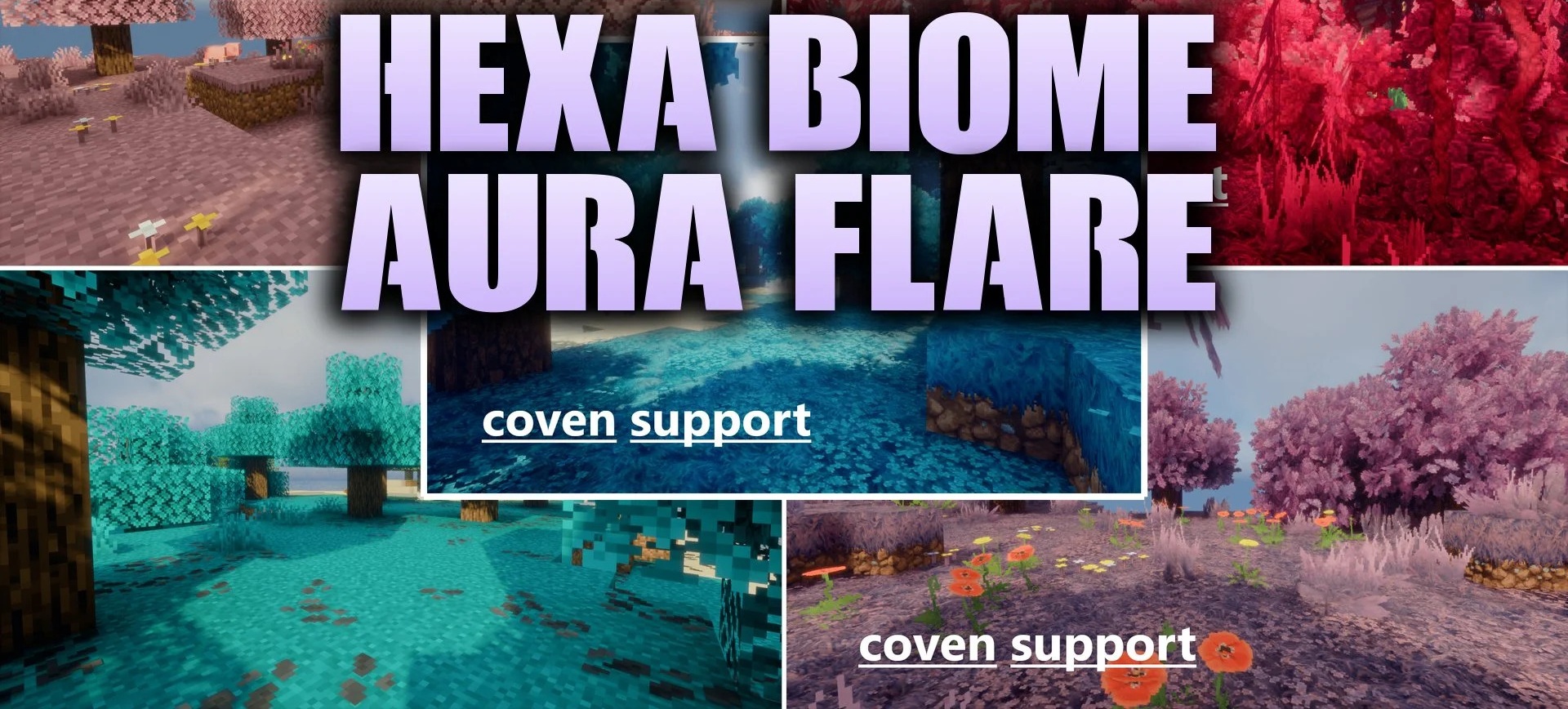
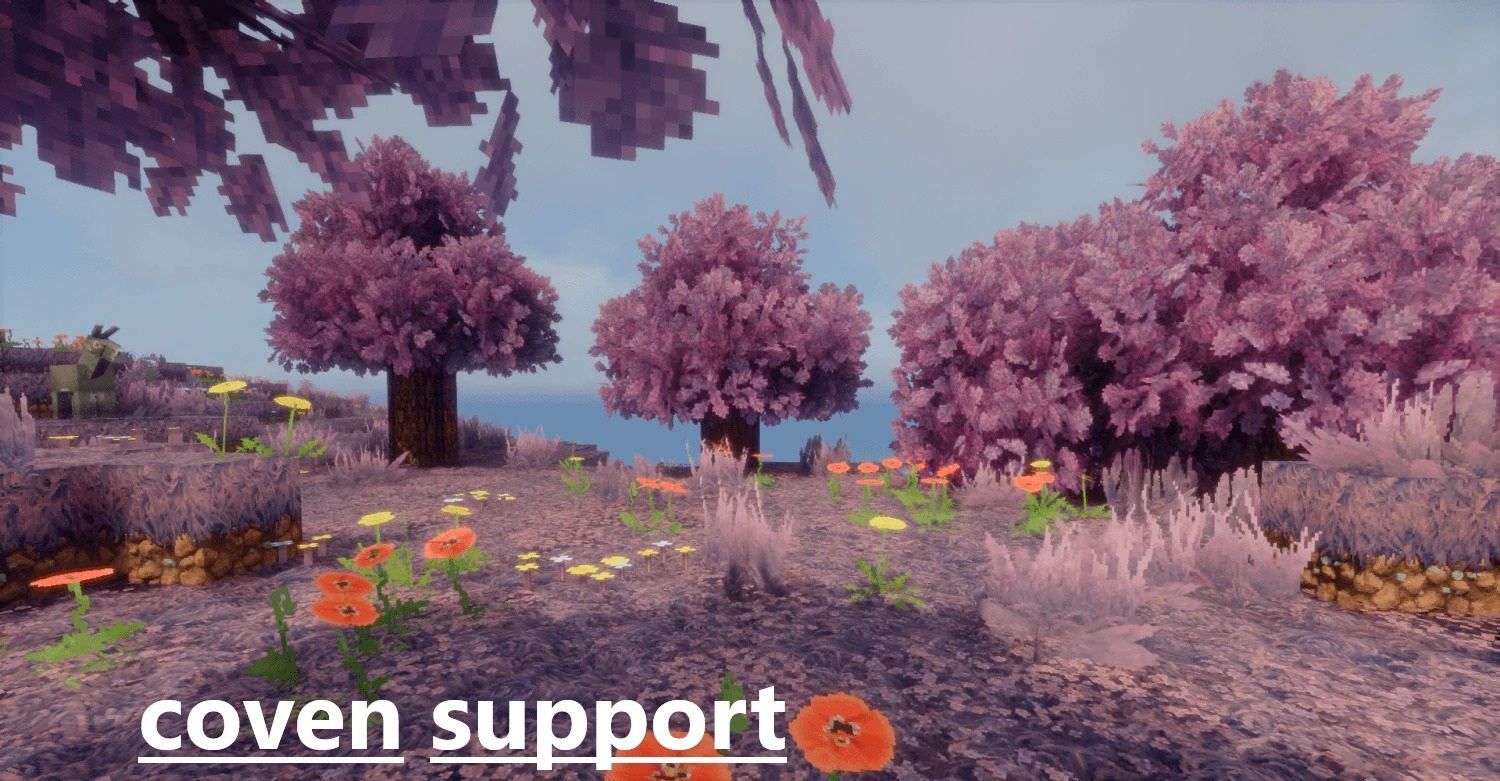
Biomes are colored in bright, unusual shades with Hexa Biome Aura Flare. Six palettes are available: raspberry-red, cherry-pink, coral, amber-gold, bright lime-green, and dark turquoise. The changes extend to grass, foliage, and environmental color maps, so the selected style covers the entire natural landscape rather than individual plants.
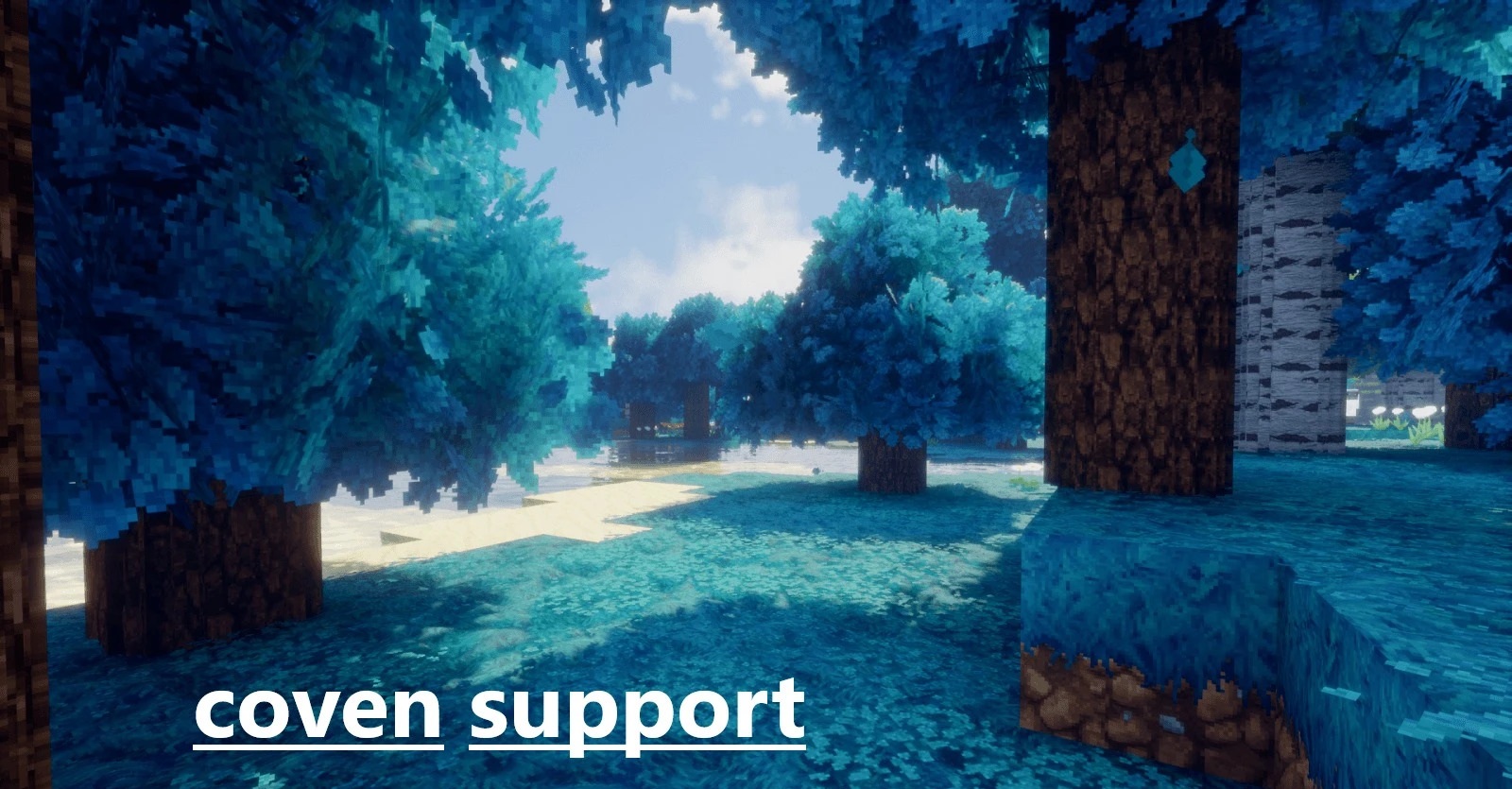
Sugar cane and the visual elements of the interface title are also adjusted. The pack works with shaders such as Bliss and BSL, allowing an unconventional color palette to be combined with advanced lighting.
How to install the texture pack:
First step: download and install Hexa Biome Aura Flare
Second step: copy the texture pack to the C:\Users\USER_NAME\AppData\Roaming\.minecraft\resourcepacks
Third step: in game settings choose needed resource pack.
Comments (0)