



Hexa Biome Premium for Minecraft 26.3
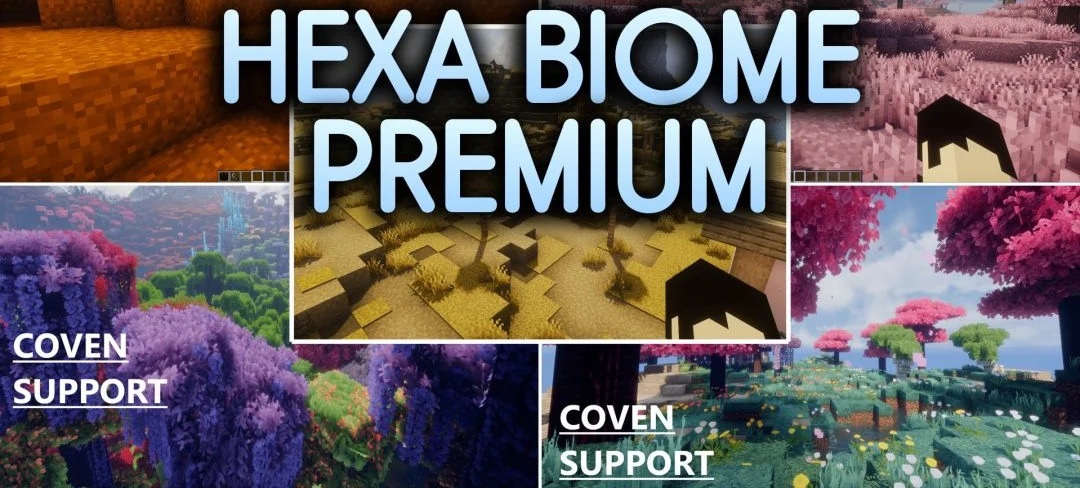
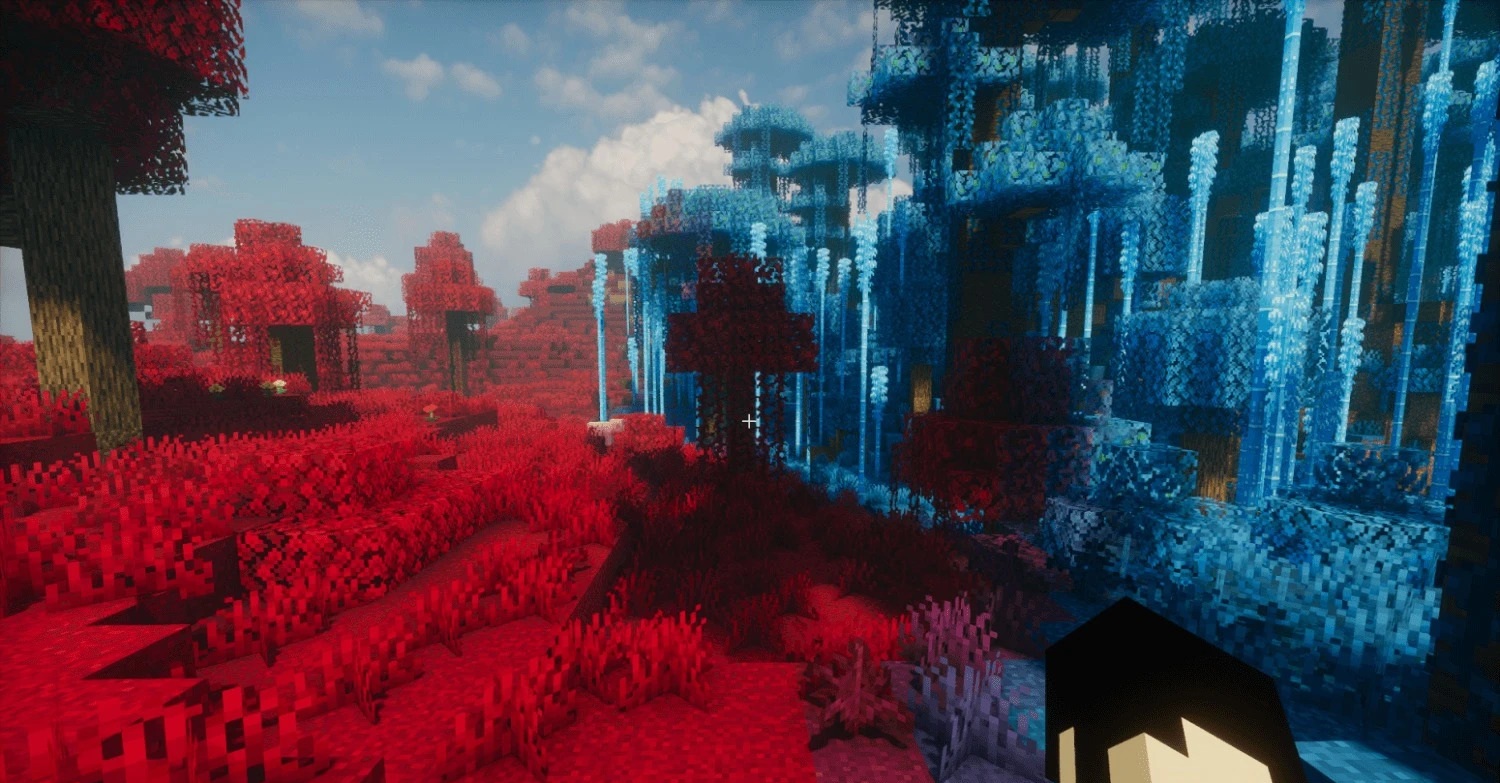
Six color schemes allow you to completely change the atmosphere of biomes with Hexa Biome Premium. The pack offers green, cherry-red, orange, golden, pink, and bright azure palettes that are applied to grass, foliage, and other natural elements.
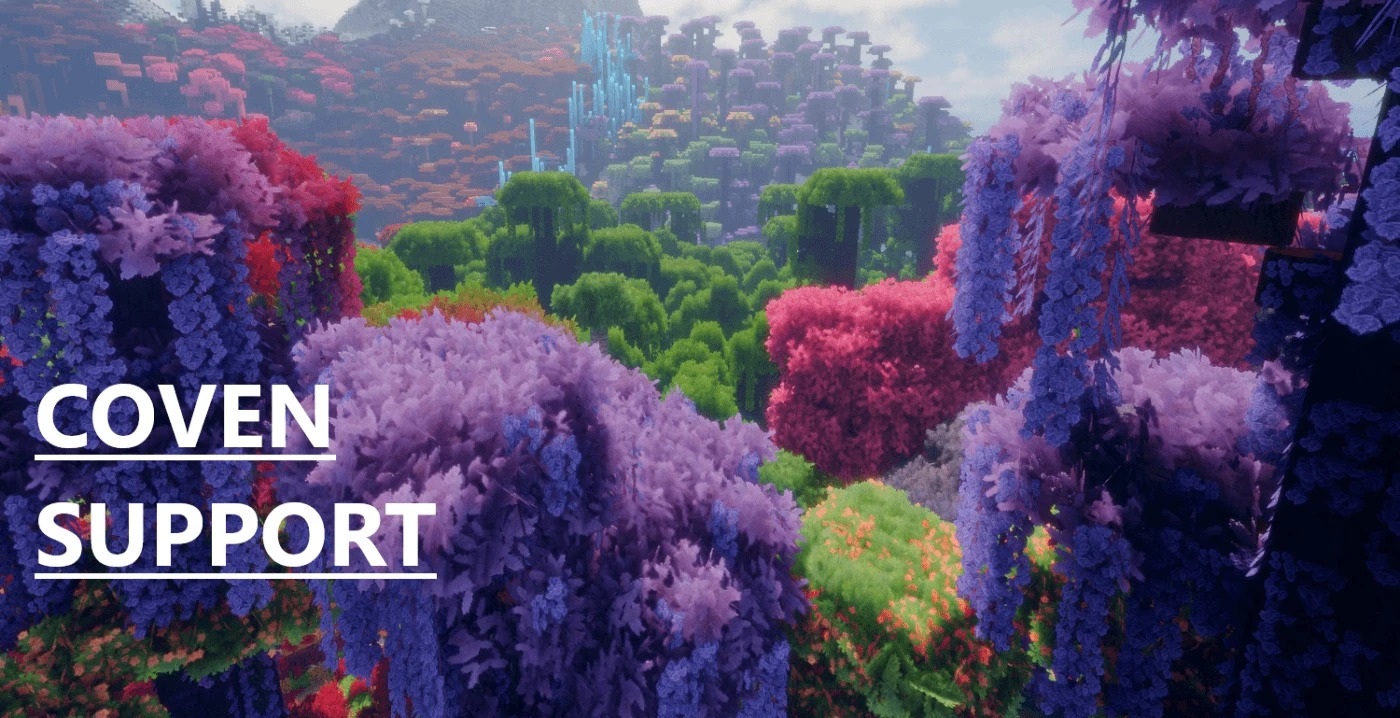
Environmental color maps and sugar cane are also reworked, so changing the shade affects not just a single block but the overall visual atmosphere of the landscape. The design of the main interface screen is also updated. The pack is compatible with shaders and can work in both single-player worlds and on servers. It can be combined with base textures of different resolutions.
How to install the texture pack:
First step: download and install Hexa Biome Premium
Second step: copy the texture pack to the C:\Users\USER_NAME\AppData\Roaming\.minecraft\resourcepacks
Third step: in game settings choose needed resource pack.
Comments (0)